Available
Android phone
Android 7.0 and newer. Phones and tablets.
- Version
- 1.2.39
- Size
- 4.4 MB
- Package
- APK, signed
Made for your Android phoneMade for your Android TViOS app is on the wayPick a screen belowOfficial downloads
MovieHouse is the streaming app for your Android phone and Android TV. Tap a title and it plays, download for offline, swipe through clips, and pick up where you left off on any screen.
Not your device?
Choose your device
We highlight the build that fits the device you are reading this on, but nothing is hidden. Any app can be downloaded from any device and sent to the right screen.
Android 7.0 and newer. Phones and tablets.
Android TV and Google TV boxes and sets. Built for the remote.
In development. Follow the Telegram channel to hear the moment it ships.
Desktop apps and the web player are next on the roadmap, with the same account and progress.
Downloads are served from MovieHouse's own update server, the same files the app installs when it updates itself. The size and version shown here are read live from that server.
One account
Your MovieHouse account carries your list, your history and your progress between screens. Sign in on a new device and it already knows where you stopped.
On the phone
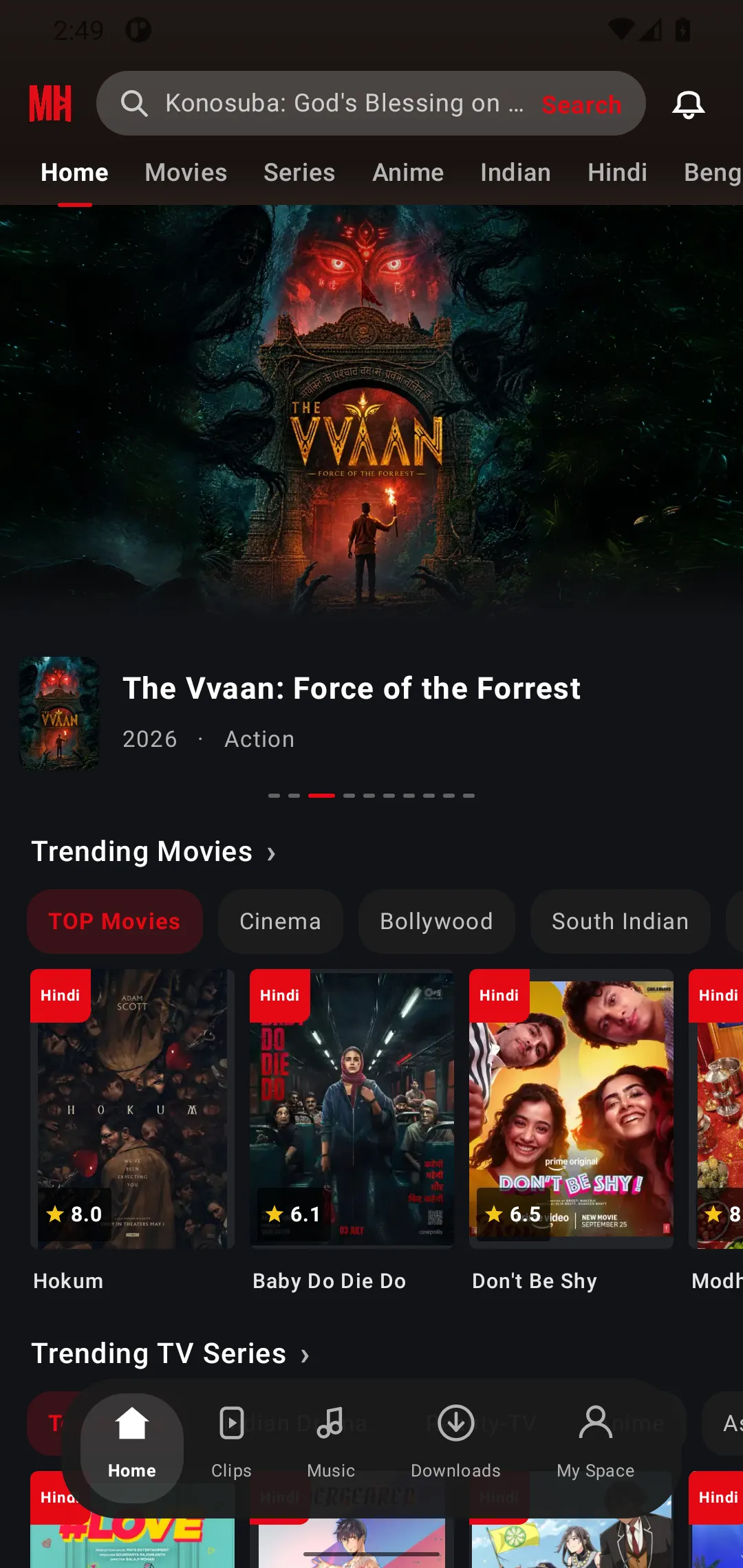
No source picking, no waiting screens. The best copy is chosen for you.
Keep watching in a small window while you browse the rest of the app.
Pick the resolution that fits your connection and your data plan.
Save for offline, pause and resume, and manage storage from one screen.
Download subtitles for the film or episode you are watching.
A full-screen feed of short clips, one swipe at a time.
Save titles, get alerts for new releases, and find things faster.
Your account, downloads, history and settings in one place.
On the TV
MovieHouse for Android TV is a separate app designed around the remote, not a stretched phone layout.
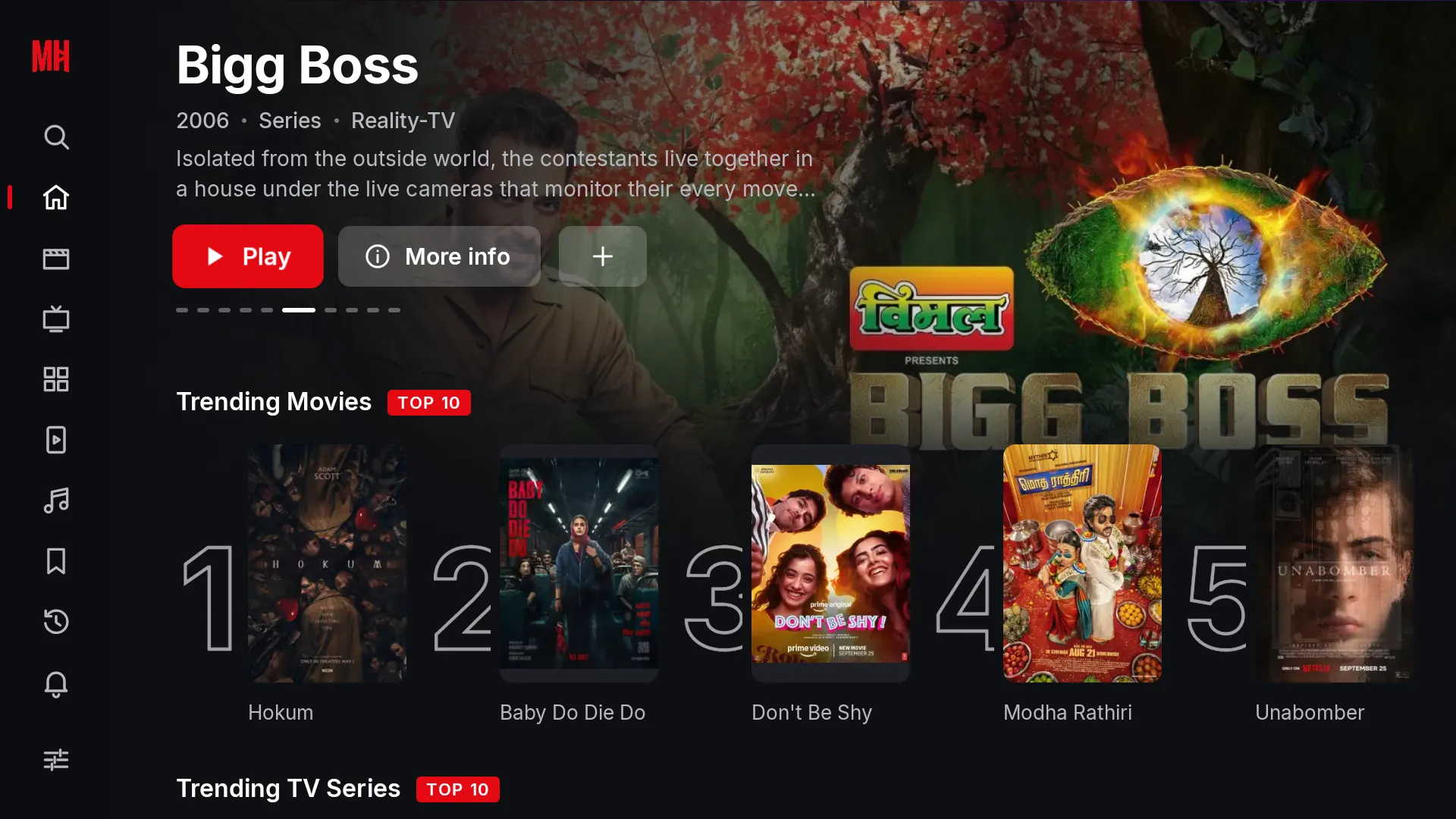
A sidebar you can drive with the D-pad, large focus states, and rows that stay readable from the sofa.
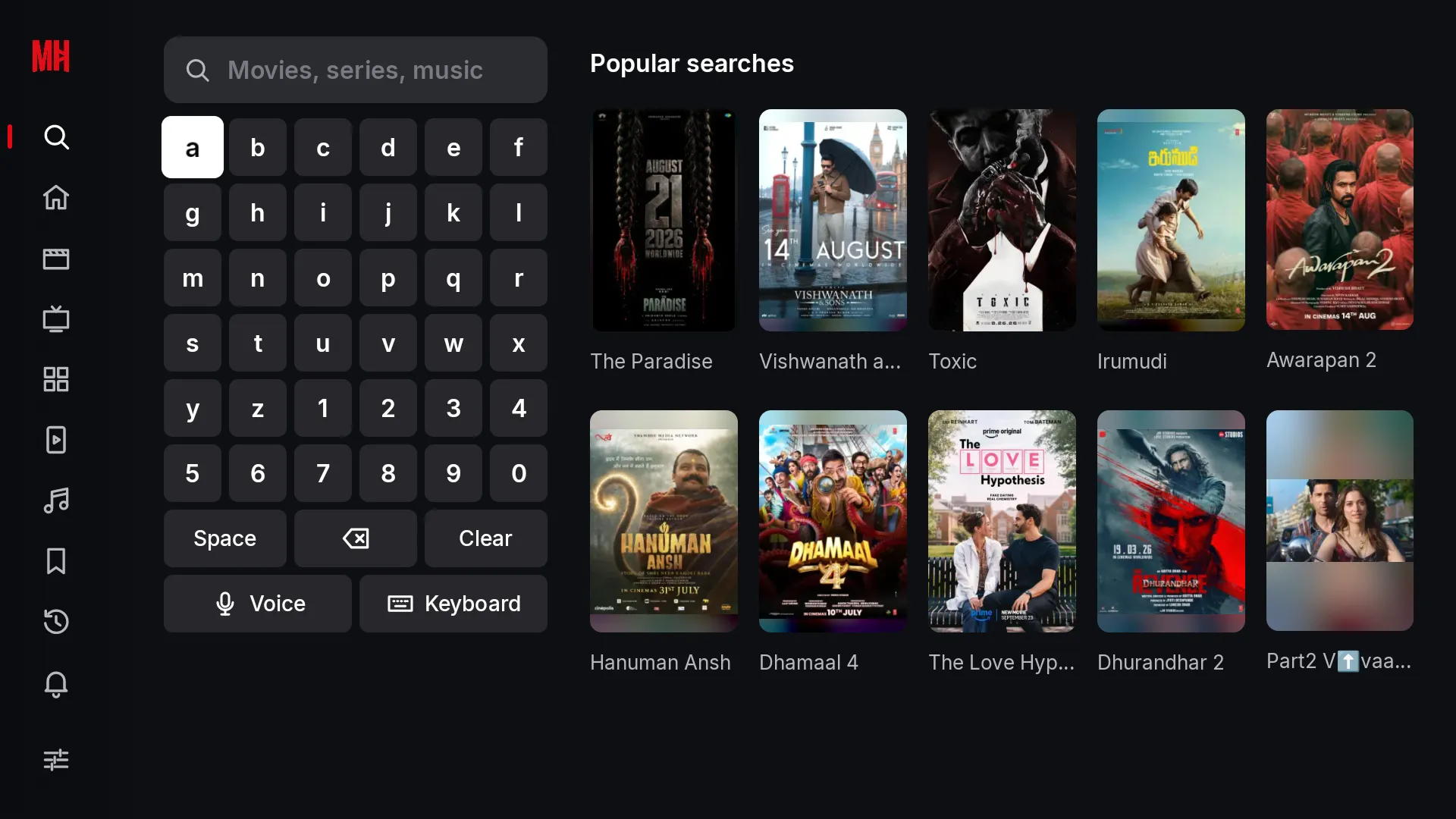
An on-screen keyboard tuned for the remote, plus voice input where the device supports it.
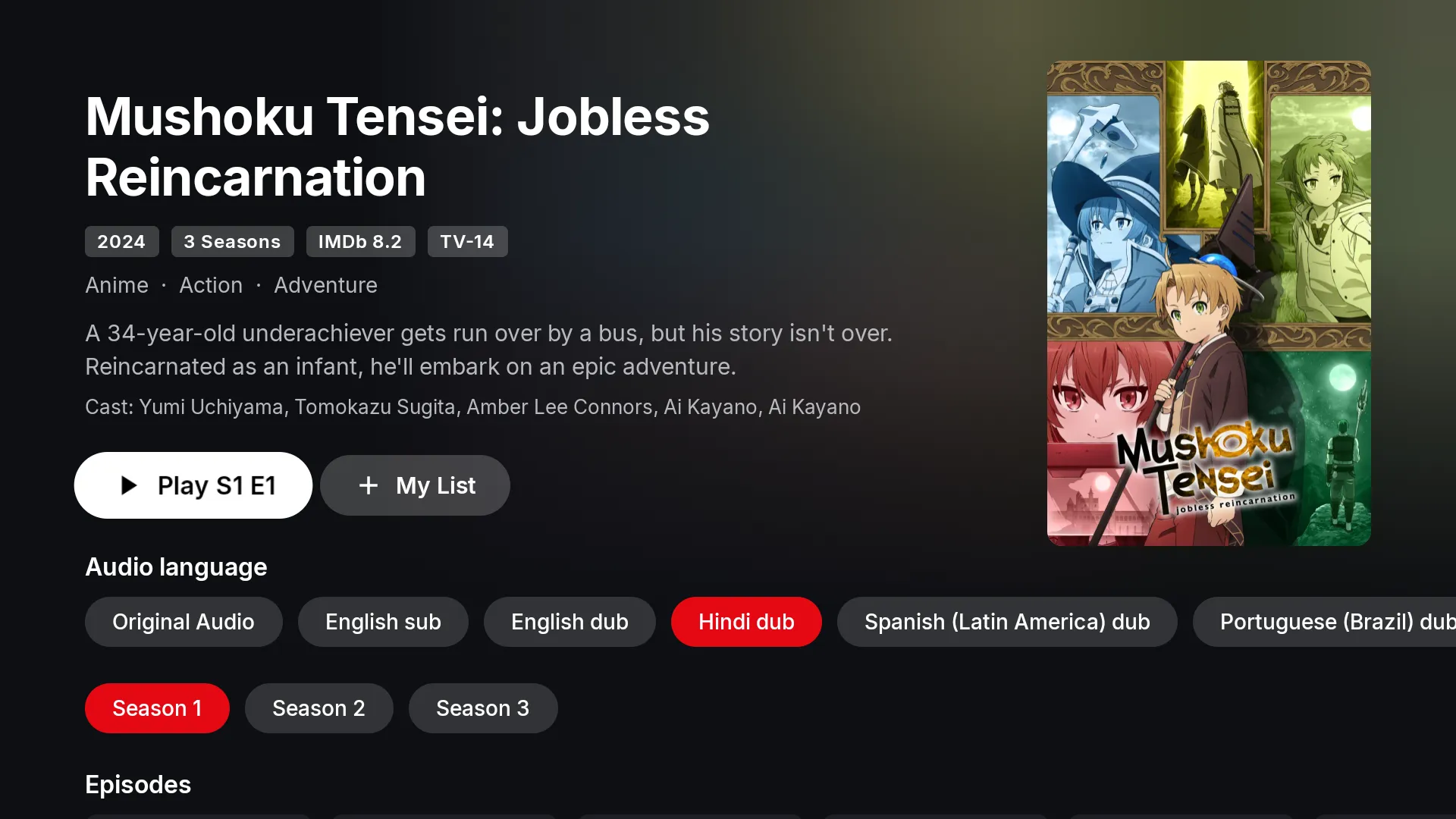
Original audio, subtitles and dubbed tracks are listed on the title page before you press Play.
Open the link shown on the TV from your phone and the TV signs in. No password typing.
How to install
MovieHouse is distributed as a signed APK, so Android asks you once to trust the source. After that, new versions are offered inside the app itself.
Use the button for your device. On a TV, you can also open moviehouse.bond/tv in the TV browser or send the file from your phone.
Open the file. Android shows a one-time prompt to allow your browser or file manager to install apps. Turn it on and go back.
Create an account with your e-mail or sign in. From now on the app checks for new versions on its own and offers the update in place.
Every later version arrives as an in-app update, downloaded from the same server and verified before it installs. Release notes are also posted on Telegram.
Verify your download
Both apps are signed with MovieHouse's release key and refuse to run if the package has been modified or repackaged. The checksums here are read live from the update server, the same values the in-app updater checks before installing.
Version 1.2.39 (build 61) · 4.4 MB
SHA-256 of the APK
Download Android phone APKVersion 1.2.1 (build 4) · 3.9 MB
SHA-256 of the APK
Download Android TV APKNo. Downloading the app and creating an account with your e-mail is free. Nothing on this page asks for payment.
MovieHouse is distributed directly as a signed APK. You install it once from this page; after that, updates are delivered inside the app from MovieHouse's own update server.
That prompt appears for any app installed outside Google Play. Check the SHA-256 above against your file if you want to be sure, then allow the install. The app itself refuses to run if its package has been modified.
Android 7.0 (Nougat) and newer on phones and tablets, and Android TV or Google TV devices running Android 7.0 and newer.
Open moviehouse.bond/tv in the TV's browser, or download the TV APK on your phone and send it to the TV with a file-transfer app or a USB stick. Then sign in on the TV by opening the link it shows on your phone.
Yes. Your list, history and progress are stored in your account. There is a limit on simultaneous devices; if you reach it, you can release an old device from the sign-in screen.
The app checks on its own and offers the update in place. Release notes are also posted on the Telegram channel.